
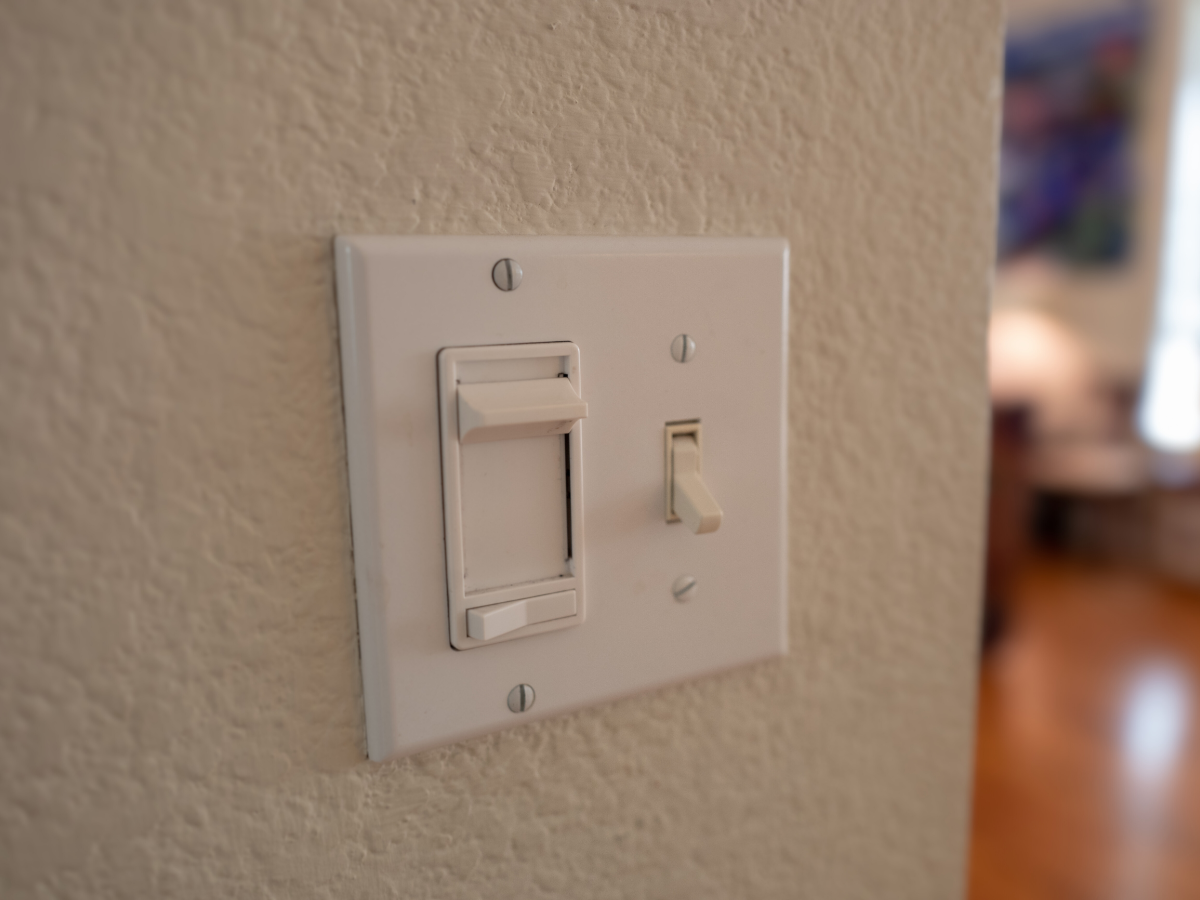

Key Takeaways
- Buzzing switches are a frequent indicator of electrical problems like loose wiring, worn parts, or overloaded circuits and should never be disregarded. Check connections and tighten terminals to decrease hazard.
- Dimmer switches specifically buzz when used with incompatible LED or fluorescent bulbs. Replace bulbs with dimmer-compatible models or install modern electronic dimmers.
- Persistent buzzing could be indicative of hazardous conditions, such as electrical arcing or thermal damage. Check for scorch marks, burning smells or melted plates and discontinue use of the circuit until a professional has a look.
- For safe troubleshooting, shut off the circuit breaker, check that power is isolated with a voltage tester, and do a visual inspection for loose bulbs, frayed wires, or discoloration.
- For recurring buzzing, reduce circuit load by determining total wattage and removing unnecessary devices or upgrading panel or wiring if overload is repeated to prevent a repeat.
- If no elementary fixes quell the noise, call a professional electrician to detect and repair defective wires, replace old switches, and provide long-term safety.
Why does my light switch make a buzzing noise is a popular household electrical inquiry. A buzzing switch usually means loose wiring or a failing switch, or sometimes LED bulb or dimmer incompatibility. The sound can vary with load and age and may indicate a safety issue if constant. It details potential causes, easy checks, and when to consult a licensed electrician for repair or replacement.
Primary Causes
A buzzing dimmer switch is a sign that electricity isn’t flowing as it should. Often, it indicates an underlying electrical issue within the switch or circuit. With regular use and general wear and tear, dimmer switches typically last around 20 years. Once they surpass that age, components may fail, leading to buzzing noises and flickering lights. Understanding the common causes can help address these potential safety risks effectively.
1. Loose Wiring
Another common cause of buzzing dimmer switch issues is loose wiring inside the switch, fixture, or electrical box, which can let current arc or vibrate, producing a buzzing sound. Inspect terminal screws and wire nuts. A loose connection at the switch may create a steady hum and can heat the contact, posing potential safety risks. Additionally, loose bulbs in a fixture can vibrate and buzz like the switch, so be sure to tighten bulbs before further investigation. Check for frayed insulation, dark scorch marks, or brittle wiring, as these are indicators that replacement is required, not just a tighten.
2. Circuit Overload
An overloaded circuit occurs when too many lights or devices draw from the same breaker, often leading to buzzing dimmer switch noises and flickering. If a single dimmer switch manages several fixtures and you add additional lighting, the extra load can cause the switch to hum and wear out prematurely. To mitigate this electrical issue, reduce the number of devices on that circuit or have an electrician split the load with a dedicated circuit. Continued overload may indicate that upgrading your electrical panel is necessary to meet modern demands.
3. Component Wear
Internal components within switches and dimmers, especially a buzzing dimmer switch, become weary with frequent use. A worn-out dimmer switch can have loose contacts or springs that vibrate under load, producing a buzzing sound. Things that have been used for decades are particularly susceptible to this. Replacing an antique switch frequently silences the buzz. Routine checkups catch early deterioration before it leads to overheating or potential safety risks. If buzzing comes back after replacement, look at the connected circuit for other failing parts.
4. Switch Type
Dimmer switches are common culprits of buzzing dimmer switch issues, particularly when combined with incompatible LED or fluorescent bulbs. A dimmer designed for incandescent loads can buzz with new LEDs due to voltage fluctuations. The solution is to use “dimmable” bulbs matched to the dimmer or a dimmer made for LEDs. Good-quality dimmers and bulbs don’t hum, helping to mitigate potential safety risks. If you intend to utilize specialty lighting, select switches rated for that load to prevent underlying issues down the road.
5. Climate Factors
Temperature shifts and humidity can affect wire and contact behavior, leading to buzzing dimmer switch issues during seasonal changes or in damp rooms. Moisture around switches causes corrosion, which can result in buzzing lights. To minimize these potential safety risks, install locally climate-rated switches and address moisture sources.
Switch Mechanics
Light switches and dimmers are fiendishly simple on their face but have tiny parts that can vibrate, heat, or corrode, leading to buzzing noises. Within a standard toggle or rocker switch, metal contacts open and close to allow current to flow. If those contacts are loose, pitted, or not seating fully, a small gap develops where current arcs. This arcing and the quick jiggle of small metal pieces can generate a consistent buzz. Over days of use, this erosion affects the contact surfaces. Most switches have about a 20-year lifespan before the erosion causes issues or the contacts begin to fail, which can lead to potential safety risks.
Dimmers add additional mechanisms for noise. Mechanical dimmers employ a resistive strip and a wiper that slides across it. That wiper can vibrate, particularly under conditions of high load current or an incompatible lamp type. Old school mechanical dimmer designs chop off part of the AC waveform to reduce brightness, and that chopping causes magnetic and thermally induced effects that produce a buzzing dimmer switch sound. Modern electronic dimmers can be nearly silent using semiconductor devices, but badly matched electronic dimmers and certain LED lamps still buzz, often leading to buzzing dimmer issues.
Voltage fluctuations within the switch mechanism generate noise. If supply voltage is elevated or fluctuating rapidly, magnetic fields in any nearby coils, chokes, or even the dimmer itself will flex and vibrate. A buzzing noise usually indicates that electricity is not flowing properly; it can signal an electrical issue where the switch is bearing more current than it was designed for. Overloaded switches run hotter, wear out faster, and are more prone to arcing and buzzing lights.
Age and design both count. Old mechanical dimmer switches buzz more than new electronic ones. A switch that’s been in place for a few decades might be noisy due to wear. Continuous use shortens life because repeated cycles cause contact pitting, spring fatigue, and loose terminal screws. Loose wiring at the rear of the switch box can likewise make noise and is a frequent wiring error associated with buzzing and more dire hazards. A buzzing dimmer switch is often the initial indicator of a wiring defect that could lead to an electrical fire.
Where practical, replace worn mechanical dimmers with electronic models matched to the lamp type. Tighten terminal screws. Split heavy loads by installing a second switch so the power is divided between two switches. If buzzing continues, get a good electrician to check for overloads, loose wires, or arcing to avoid potential safety risks.
Potential Hazards
A buzzing dimmer switch is more than a nuisance; it can signal potential safety risks in your electrical system. Buzzing lights usually indicate that current isn’t flowing properly, which could lead to device damage, a short circuit, or even an electrical fire in severe cases. Addressing this buzzing dimmer issue like a DIY band-aid solution heightens the risk of harm or electrocution. Taking action sooner, along with good information, lessens the probability of escalation.
Electrical Arcing
Buzzing noises can originate from an electrical issue, specifically electrical arcing inside the dimmer switch or adjacent wiring. This arcing occurs when current leaps a gap, generating a snapping, hissing vibration that may lead to buzzing dimmer switch problems. Such vibrations can wear down metal contacts and spark, potentially heating surrounding materials. The risks associated with arcing are significant, as it produces heat that increases the danger of fire, especially if insulation or surrounding plastics smolder and catch fire.
To identify common causes of buzzing dimmer switches, look for signs such as scorch marks on the switch cover, a faint or strong burning smell, or darkening in the wall cavity. These indicators suggest that the arc may have already caused harm. If you suspect arcing, it’s crucial to shut off power at the breaker and contact a licensed electrician.
A reputable electrician will test for loose connections and degraded contacts, correcting any wiring faults that could lead to buzzing lights and other underlying issues. Upgrading your electrical panel may also be necessary to prevent further voltage fluctuations and ensure the safety of your electrical system.
Thermal Damage
Thermal damage can occur when a buzzing switch overheats. Contacts can wear out from daily use and exposure. Most switches exhibit problems after around 20 years. Overload when too much current flows through the switch accelerates this and pushes temperatures above safe levels.
Melted or discolored switch plates, softened plastic or warped trim are obvious indicators of overheating. These signs indicate the switch needs to be removed and replaced as soon as possible to avoid additional damage and minimize the risk of fire.
Steps to monitor thermal damage and its implications:
- Look for any discoloration or melting around the faceplate of switches.
- Risk factors include sniffing for burning plastic or ozone around switches after brief use.
- Notice flickering lights or dimming lights when the switch buzzes.
- Follow the switches’ age. Swap out those older than approximately 20 years or with consistent buzzing.
- Turn off the circuit and call an electrician if you discover scorch marks, melted plastic, or continuous buzzing.
Neglecting buzzing can cause electrical fires, fried fixtures, and increased repair expenses. Electrical DIY needs more cautious safety steps. If you aren’t sure, trust a good electrician.

Diagnostic Steps
A buzzing dimmer switch usually signifies an underlying electrical issue that could pose potential safety risks, so consider the buzzing lights a danger sign and take systematic steps. These diagnostic steps describe how to isolate the source, what to record, and which tools to have handy. Start with power interruption. Then move to visual inspection and load sample, noting each on a checklist.
Power Isolation
Before any inspection or repair, turn off the circuit breaker that feeds the switch to avoid potential safety risks. Always verify the breaker is off using a non-contact voltage tester or a multimeter at the switch terminals. This step ensures you are protected from accidental shocks and additional damage to wiring, especially when dealing with buzzing dimmer switch issues. If the house wiring lacks clear labels, turn off the main and restore one breaker at a time to identify the correct circuit, then label it for future work.
Visual Check
After ensuring the power is off, remove the switch cover to inspect for any obvious problems, such as burn marks, melted plastic, or discoloration. These signs may indicate an underlying issue with your electrical system that requires professional attention. Verify that wires are tightly connected to terminals, as loose connections can lead to buzzing dimmer switch noises from intermittent current flow. Additionally, check surrounding bulbs and sockets, since a loose or incorrect bulb can cause voltage fluctuations that may result in buzzing lights. Document every abnormality in your checklist with notes and photos if possible.
Load Assessment
Figure the wattage on the circuit. Is the switch being weighed down by too much load? An overloaded circuit, when connected devices pull more current than the wiring or switch rating, can cause buzzing and accelerated wear. Usual light switches endure approximately 20 years. Older switches may give way to loads they once easily handled. Create a quick table showing device, wattage, and total load to make the calculations clear:
| Device or fixture | Wattage (W) |
|---|---|
| Overhead fixture A | 60 |
| Lamp B | 40 |
| Fan C | 75 |
| Total | 175 |
If the total approaches the circuit rating, which is generally 1,800 W on a 15 A, 230 V circuit in metric discussion, eliminate noncritical units and retest. Persistent buzzing after load reduction or clear signs of arcing means upgrade or replacement. Swap the switch for a rated unit or consult a licensed electrician to inspect wiring and possibly replace the circuit.
Practical Solutions
A buzzing light switch is a red warning signal that demands focused attention. Start by evaluating the switch and bulbs it controls. Swap out bad or incompatible dimmer switches and bulbs. Dimmer switches designed for antique incandescents don’t necessarily work cleanly with LED or fluorescents. The mismatch makes the dimmer modulate current in a way that causes the parts to buzz. Trade out the dimmer for one specifically labeled compatible with LED or CFL lamps and use bulbs that adhere to the dimmer’s minimum load. If the switch is just shy of 2 decades or has been extensively used every day, swap it out completely. Age and wear can degrade internal contacts and result in buzzing.
Tighten all wiring connections and secure loose fixtures to prevent buzzing. Turn power off at the breaker prior to opening the switch plate. Inspect terminal screws for loose wires and ensure neutral and ground connections are tight. Check the mounting screws and wall box. A loose switch or cover allows vibrations to transfer to the wall, increasing noise. Where wiring is discolored from heat or burning, halt and summon a licensed electrician. That discoloration indicates overload or arcing that must be professionally fixed.
Even better, upgrade to modern dimmer switches for LED or fluorescent bulbs. New dimmers employ improved electronic regulation and reduced minimum loads. Aim for one with a manufacturer-stated load range and, if you can, size the dimmer to the total wattage per fixture. For big loads or buzzing all the time, add a second switch on a different circuit or as a multi-switch feed to divide the power load between two controls. Splitting loads takes the stress off one switch and can eliminate overload buzzing.
Preventive measures and safety steps:
- Swap switches that are older than about 20 years or starting to show wear.
- Use dimmers and bulbs that list explicit compatibility.
- Simply tighten terminal screws and secure switch plates after power off.
- Check for signs of overheating: melt marks, discoloration, or a burning smell.
- Don’t DIY – beyond just tightening, call a licensed electrician for wiring faults.
- Think about load splitting by installing a second switch or redistributing the circuits.
- Use surge protection and do not overload circuits with high-draw appliances.
- Schedule periodic electrical inspections in older homes.
Prioritize safety: Buzzing can indicate wiring faults that lead to fires. If in doubt, shut off power and consult an expert.
Professional Intervention
A buzzing dimmer switch can indicate underlying issues more serious than a loose plate or dim bulb. It’s essential to recognize the common causes, such as voltage fluctuations or a faulty ballast, and know when to call in professionals to prevent potential safety risks.
Seek professional help if buzzing persists after basic troubleshooting steps
If straightforward fixes—tightening the switch plate, changing a bulb, or exchanging a dimmer switch—don’t hush the buzzing dimmer switch, enlist a professional. A whining or grinding noise can indicate a loose connection or arcing inside the switch, which could lead to potential safety risks. These defects can generate heat and sparks invisible to the casual observer. A professional electrician will employ an insulated voltage tester and thermal camera to locate concealed hot spots or confirm if it’s the switch or the wiring. A buzzing dimmer that occurs only when a specific fixture is on may point to a circuit problem, while continuous buzzing could indicate an electrical issue with the internal contacts.
Hire a licensed electrician for dimmer switch repair or complex wiring issues
Dimmer switches, smart switches, and multi-way circuits are more complicated than standard single-pole switches. Buzzing dimmer switches can result from incorrect wiring or improper replacement, leading to buzzing lights or flickering issues. A licensed electrician will match the dimmer type to the load (incandescent, LED, motor), verify compatibility, and safely rewire to code. For example, an LED lamp on a trailing-edge dimmer generally mitigates the buzzing noises, but an uneducated DIY swap without checking load values can exacerbate the risks. Professionals pull permits and offer documentation where needed.
Address underlying issues like faulty wiring or overloaded circuits with expert assistance
Buzzing noises are sometimes a sign of overloaded circuits, damaged insulation, or corroded connections. These circumstances raise potential safety risks and can damage other equipment on the circuit. Professional intervention is needed, especially if you notice a buzzing dimmer switch. An electrician would measure the overall load, inspect the breaker panel, and test for loose neutral or ground faults. They can correct overloads by load shifting, circuit additions, or upgrading your electrical panel.
Prioritize professional intervention for persistent buzzing to prevent electrical fires and ensure safety
Electrical problems can escalate quickly, especially when dealing with issues like a buzzing dimmer switch or flickering lights. Professionals have the training and specialized gear to handle these electrical issues safely, minimizing potential safety risks and ensuring that your electrical system functions properly without the common causes of buzzing noises or voltage fluctuations.
Conclusion
Buzzing light switches indicate legitimate, repairable problems. Loose wires, worn contacts, dimmer mismatch, or a failing switch can make noise and raise risk. Quick checks come to the rescue. Turn off the breaker, tighten visible screws, swap a faulty dimmer for a compatible model, or replace an outdated switch. If there’s loose wiring or heat, call a licensed electrician. Simple repairs reduce racket and prevent harm. If you’re a renter, document the issue to your landlord with detailed notes and pictures. For homeowners, maintain a simple tools kit and extra switches on standby. Don’t wait, act now to shield your home and your peace of mind. Call in a pro if you notice sparks, scorch marks, or a burning smell.
Frequently Asked Questions
Why is my light switch buzzing when the light is off?
A buzzing dimmer switch when off usually indicates faulty wiring or an electrical issue, often linked to loose connections or a smart switch allowing leakage current. This can lead to buzzing lights and potential safety risks, so it’s wise to turn off power and consult an electrician if uncertain.
Can a buzzing switch start a fire?
Yes, a buzzing dimmer switch can indicate loose wiring or overheating, leading to potential safety risks. If you notice buzzing lights, smell burning, or see sparks, turn off the circuit and call a licensed electrician immediately.
Is the buzzing caused by the light bulb or the switch?
Both incandescent and halogen bulbs can cause buzzing noises when used with a dimmer switch. Additionally, LED and CFL lights may buzz due to incompatible dimmers or bad switches, leading to potential safety risks.
Will tightening the screw on the switch stop the buzzing?
Tightening a loose terminal can stop buzzing dimmer switch issues, but only if you do it safely. Always shut off power at the breaker first to avoid potential safety risks. If you’re not comfortable or the buzzing lights persist, have a pro come by to play it safe.
Are smart or dimmer switches more likely to buzz?
Yes, buzzing dimmer switches and certain smart switches can modulate current, potentially causing buzzing lights, especially with incompatible bulbs. Using dimmable-compatible LEDs and high-quality switches can minimize these buzzing noises.
How can I diagnose a buzzing switch safely?
Do turn off power at the breaker, check for loose wires, and listen for buzzing noises from the dimmer switch. If the switch or wiring is hot or you discover damaged insulation, cease and call an electrician to address potential safety risks.
When should I call an electrician for a buzzing switch?
If you notice buzzing dimmer switch noises, or if the switch is hot, sparks, or smells burnt, call an electrician immediately. Quick expert assistance minimizes potential safety risks related to your electrical system.